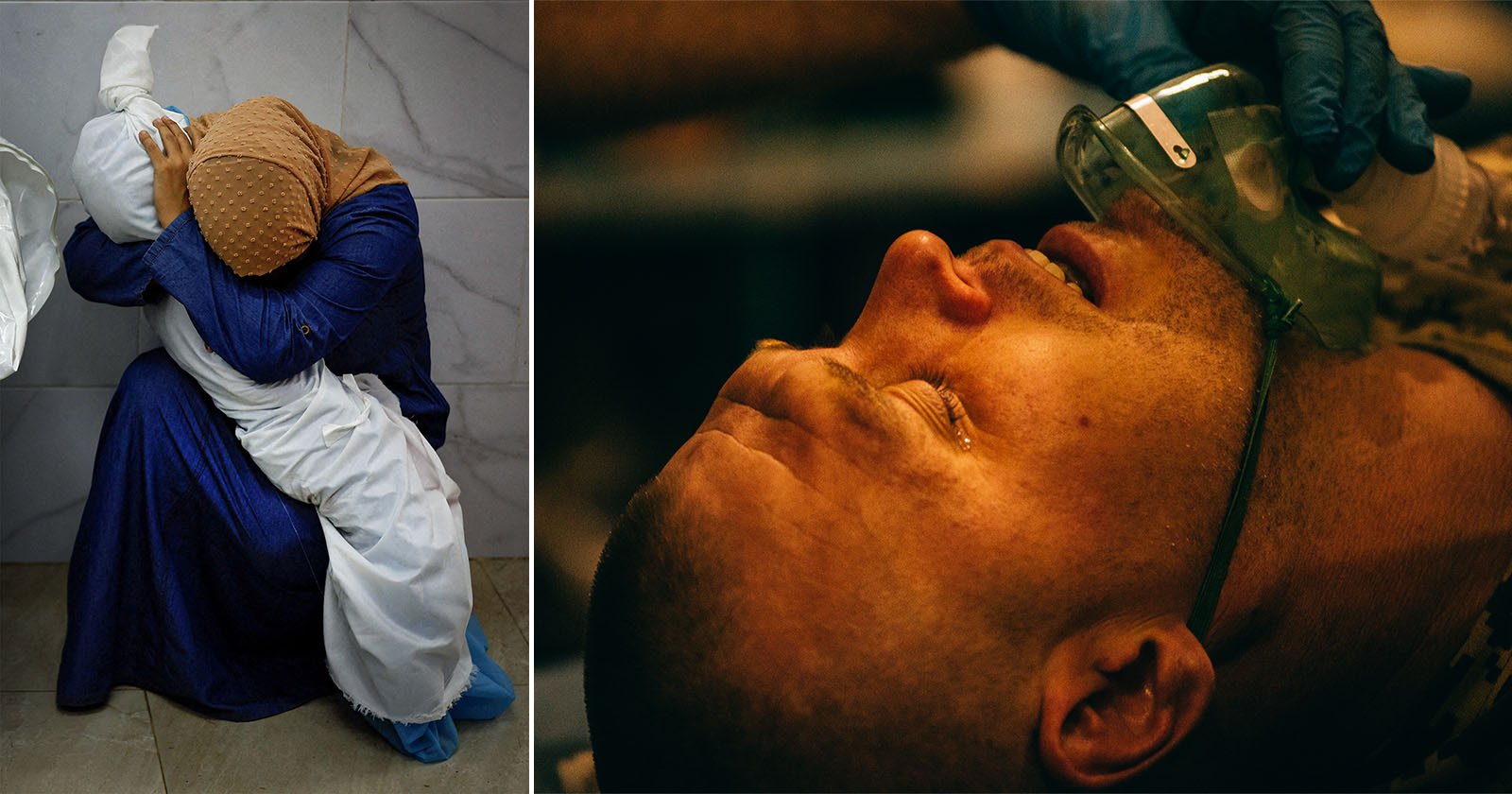
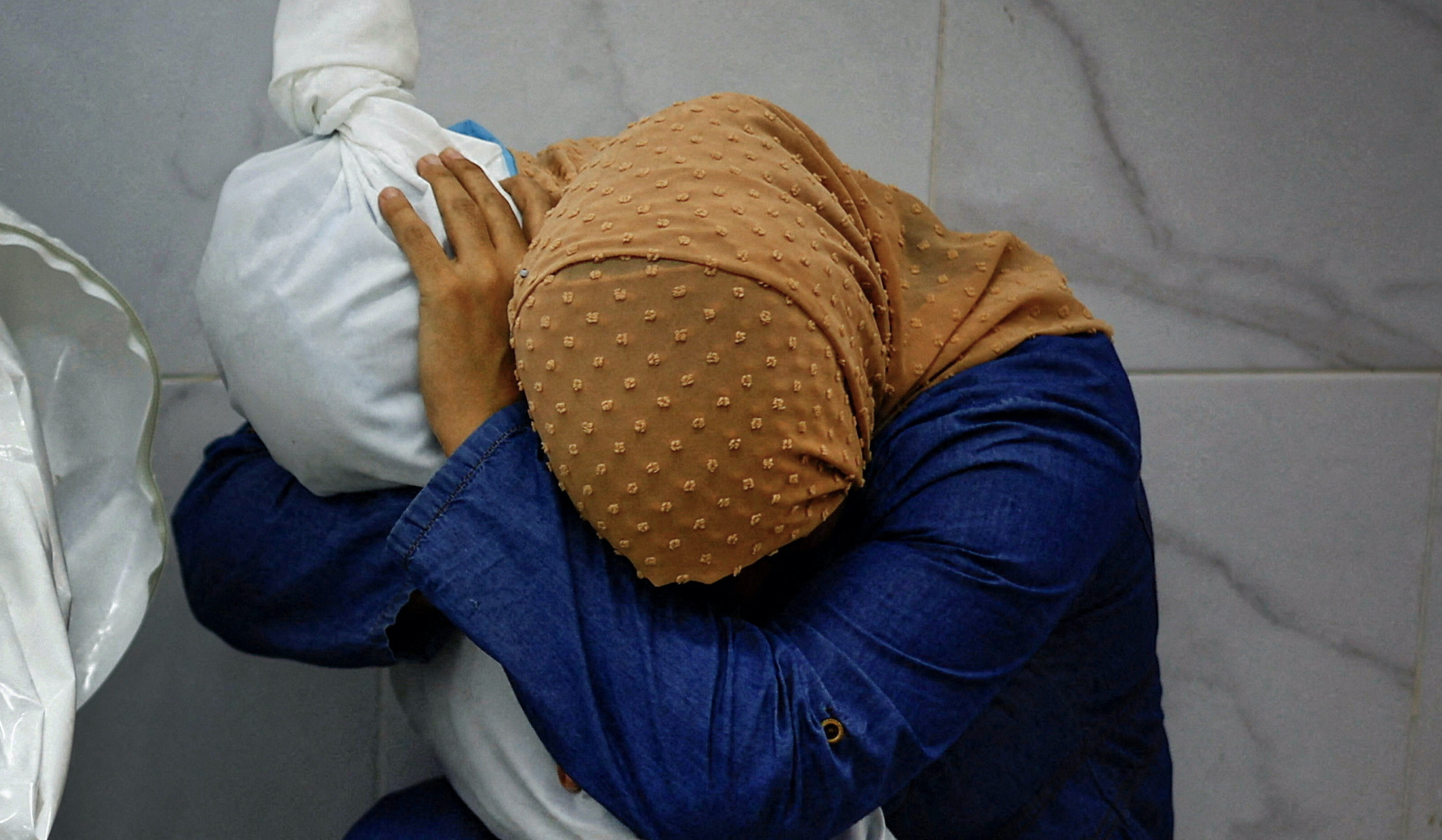
Photographer Mohammed Salem with Reuters captured the arresting prize-winning image in Palestine. Captured just days after his wife gave birth, Salem’s image shows Inas Abu Maamar, age 36, holding the body of her niece, Saly, five, who was killed along with her mother and sister by an Israeli missile strike near their home in Khan Younis, Gaza.
The Imperial War Museum in London is opening an exhibition dedicated to the work of the British photographer, who died in 2011 aged 40 while covering the Libyan civil war
The Imperial War Museum in London is opening an exhibition dedicated to the work of the British photographer, who died in 2011 aged 40 while covering the Libyan civil war
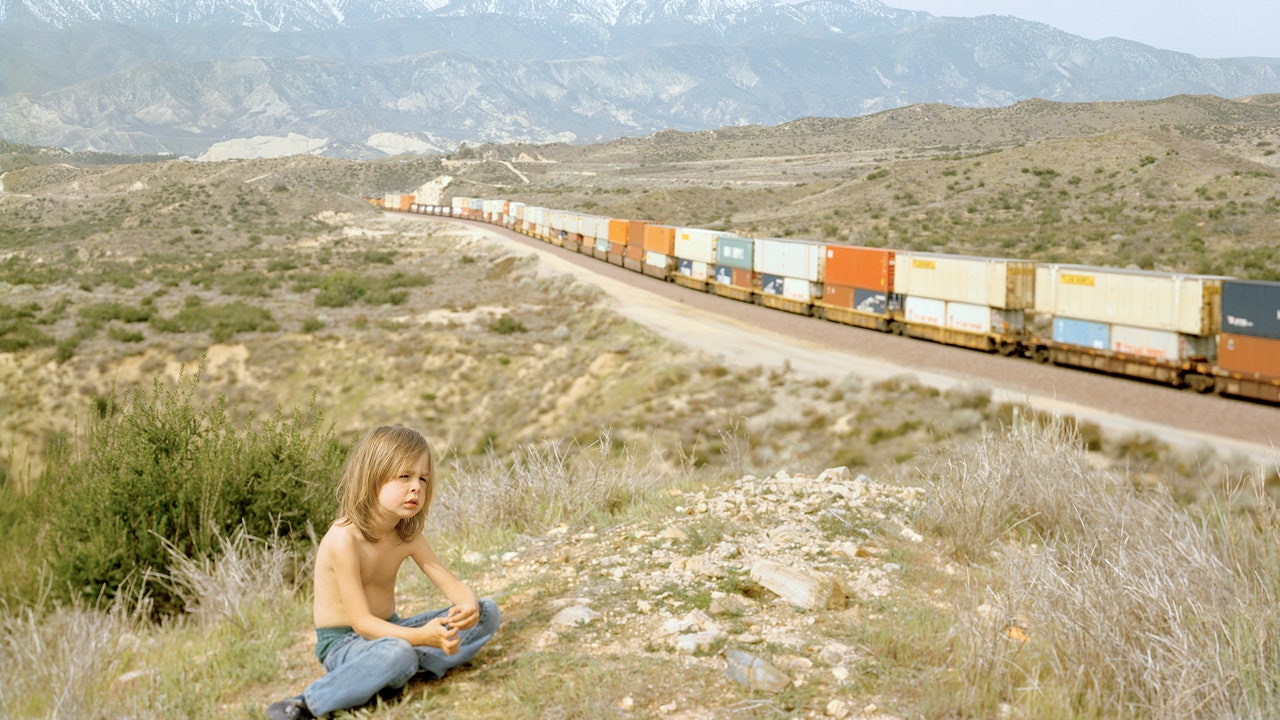
Some of the portraits in “This Train” have an Edenic quality to them, as if Kurland is asking: What if my kid and I were the only two people in the world?
Some of the portraits in “This Train” have an Edenic quality to them, as if Kurland is asking: What if my kid and I were the only two people in the world?
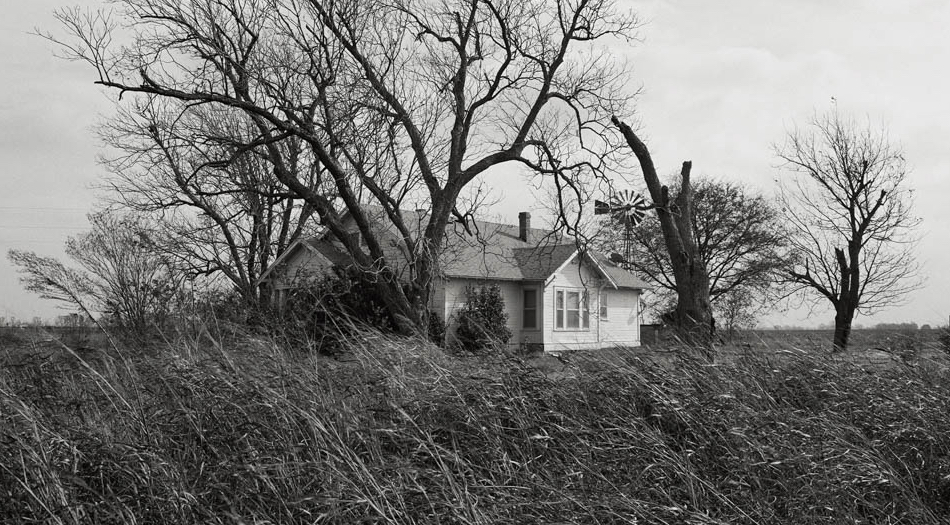
In his new book, Hardtack, Rahim Fortune compiles nearly a decade of work, blending documentary with personal history within the context of post-emancipation America. Through coming-of-age portraits that traverse survivalism and land migration, Fortune illustrates African American and Chickasaw Nation communities. As Taous Dahmani observes, the iconography of the American South is drawn between Fortune’s Hardtack and Beyonce’s Cowboy Carter, released only a few days after — both of which raise questions that serve to redefine ‘Americana’.
In his new book, Hardtack, Rahim Fortune compiles nearly a decade of work, blending documentary with personal history within the context of post-emancipation America. Through coming-of-age portraits that traverse survivalism and land migration, Fortune illustrates African American and Chickasaw Nation communities. As Taous Dahmani observes, the iconography of the American South is drawn between Fortune’s Hardtack and Beyonce’s Cowboy Carter, released only a few days after — both of which raise questions that serve to redefine ‘Americana’.
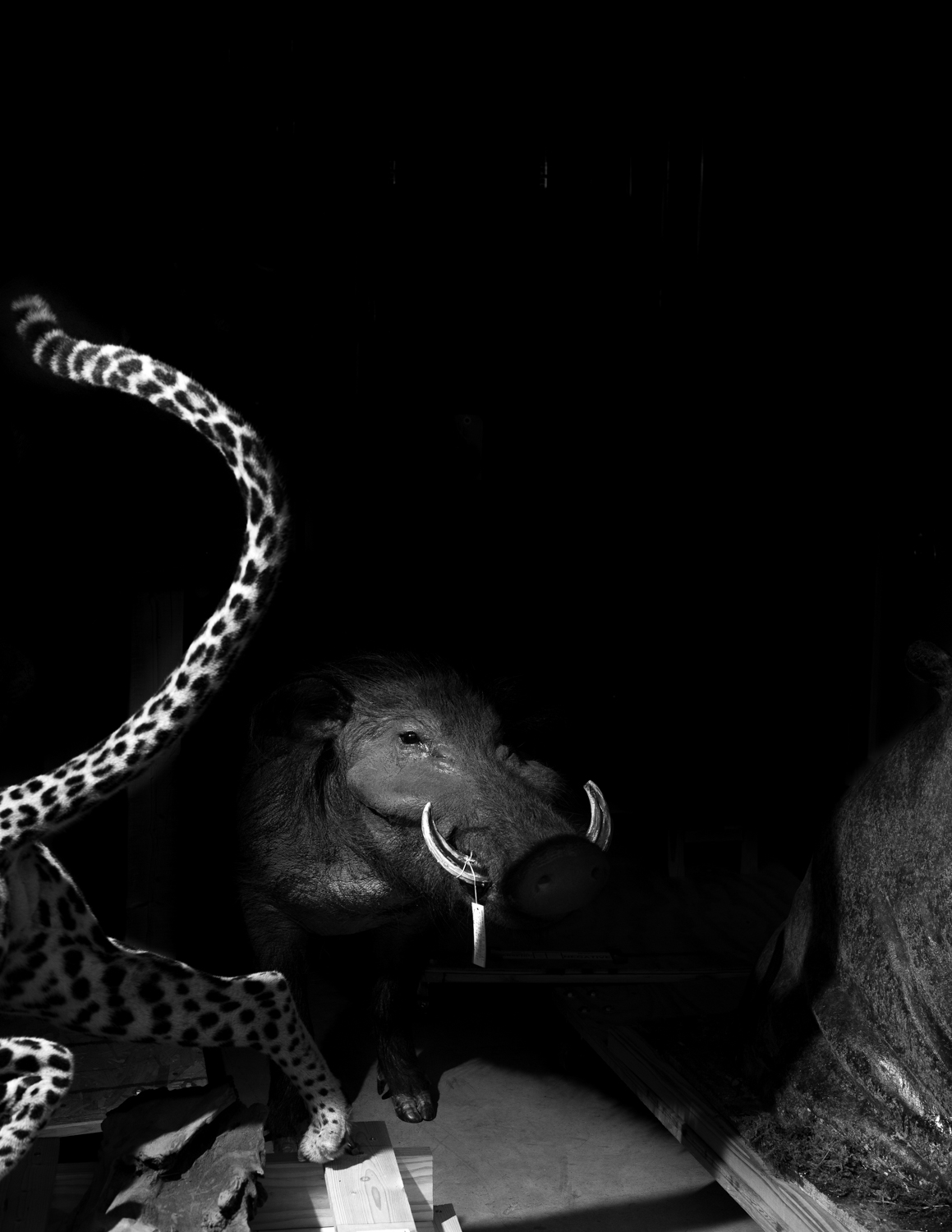
This week we are looking at the work of artists who submitted projects during our last call-for-entries–way back in late-2022 (a new call will be going out sometime in the near future, so stay tuned for details…). Today we are viewing and hearing more about A Natural History (Built to be Seen) by Austin Cullen. Austin
The motivation for my project stems from a childhood interest in museums, and an earlier body of work. When I was younger I regularly visited the Houston Museum of Natural History. The museum showed me a version of nature that was completely different from the city I grew up in. Instead of the urban bayou that I was used to, the museum depicted safaris, jungles, deep sea life, and so much more. In the museum, nature did not feel like something we as humans lived in, but instead a distant spectacle. It taught me about the larger world around me, and it left me awestruck by the far-off places and creatures the museum contained
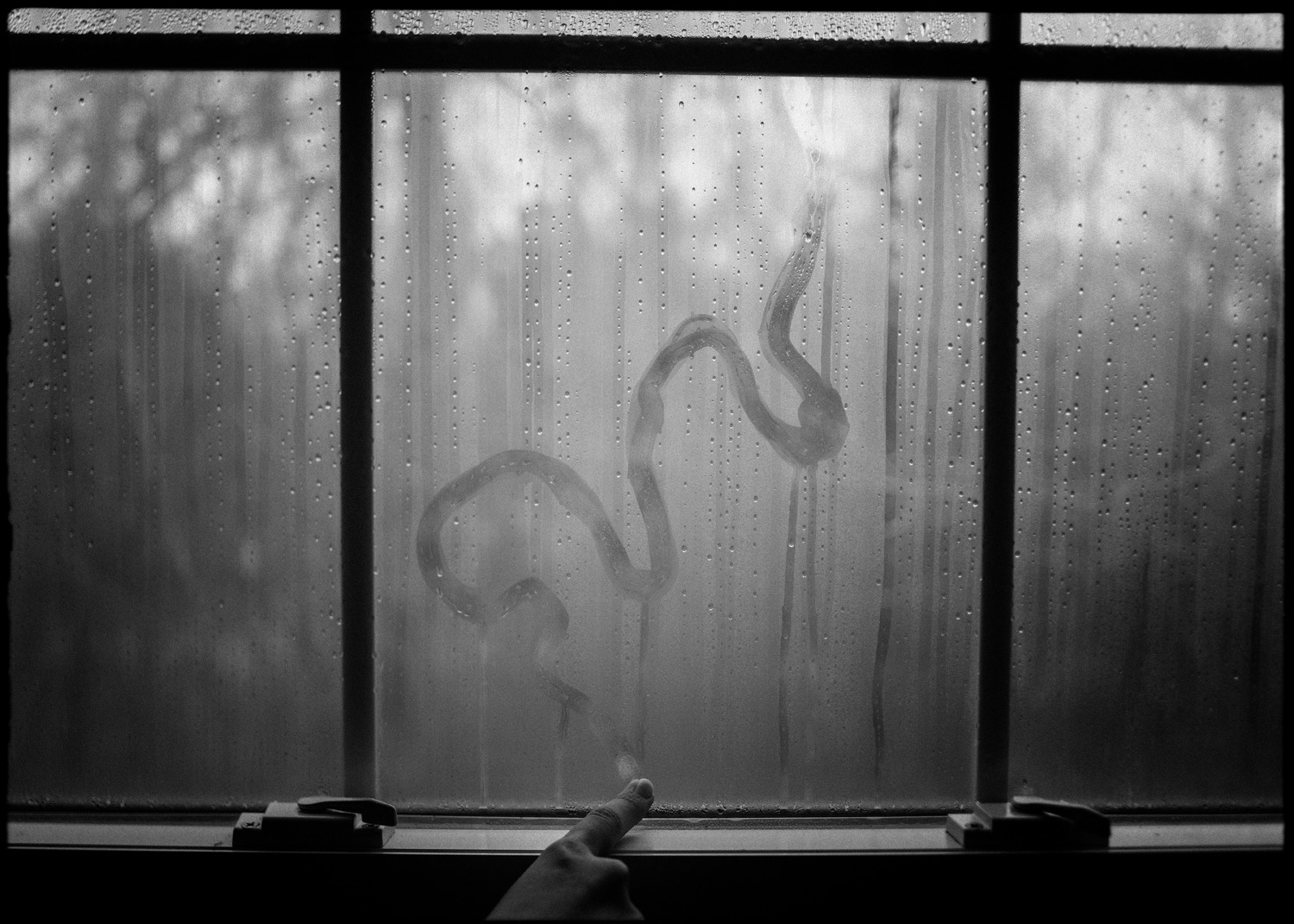
This week we are looking at the work of artists who submitted projects during our last call-for-entries–way back in late-2022 (a new call will be going out sometime in the near future, so stay tuned for details…). Today we are viewing and hearing more about As Big As The Sky by Seth Adam Cook. Seth Cook
When my brother and I were young, our mother would say she loved us “bunches and bunches, as big as the sky.” This phrase stayed with me throughout my life, but it wasn’t until she passed away that I truly understood its significance. Just before her surgery, my mother gave me a camera that she had carried with her since she was young. Despite our closeness, I never knew about this part of her life. With her camera in hand, I began navigating a stream of consciousness around the places, people, and emotions I found myself surrounded by. Her camera became a tool for me to navigate my grief and reflect on the spiritual absence in my family following her death. Since its origins, this series has become a personal and emotional exploration of loss, memory and identity, and is my way of holding onto her memory and the shared passion we had for photography.
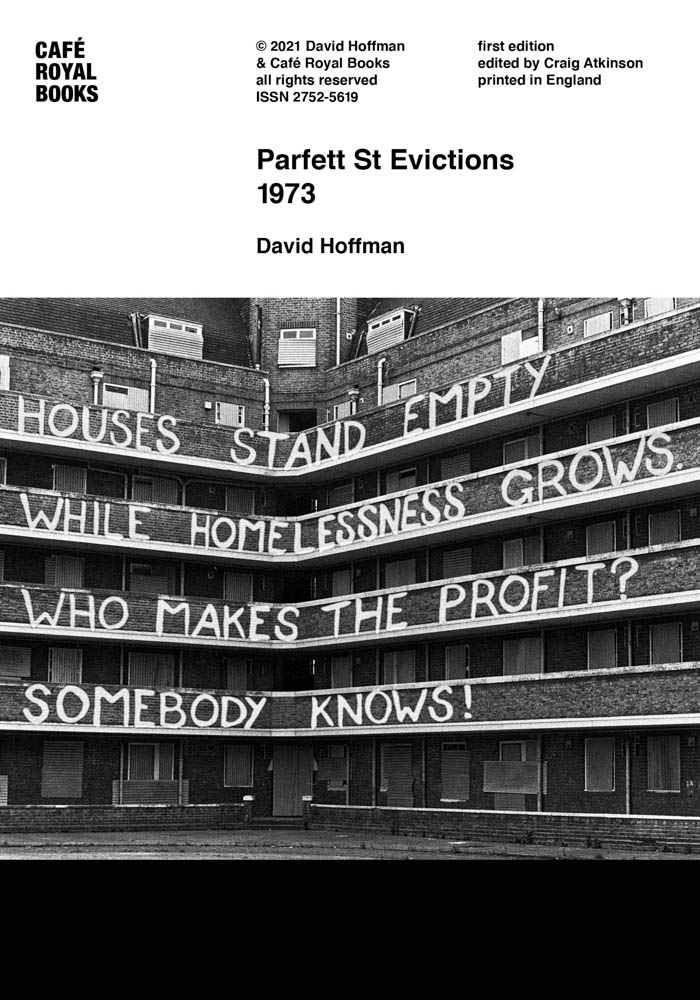
Currently exhibited at The Photographers’ Gallery in London, Craig Atkinson’s Café Royal Books presents an eclectic collection of social relics where regional pasts intermingle, and previously unseen or half-remembered social histories are vividly recalled. With a sense of relative authenticity, the exhibition invites viewers to delve through a collection of three hundred books that capture past lives through the lens of another. David Moore reflects on the display and the project’s position among the ongoing reassessment of documentary photography.
Currently exhibited at The Photographers’ Gallery in London, Craig Atkinson’s Café Royal Books presents an eclectic collection of social relics where regional pasts intermingle, and previously unseen or half-remembered social histories are vividly recalled. With a sense of relative authenticity, the exhibition invites viewers to delve through a collection of three hundred books that capture past lives through the lens of another. David Moore reflects on the display and the project’s position among the ongoing reassessment of documentary photography.
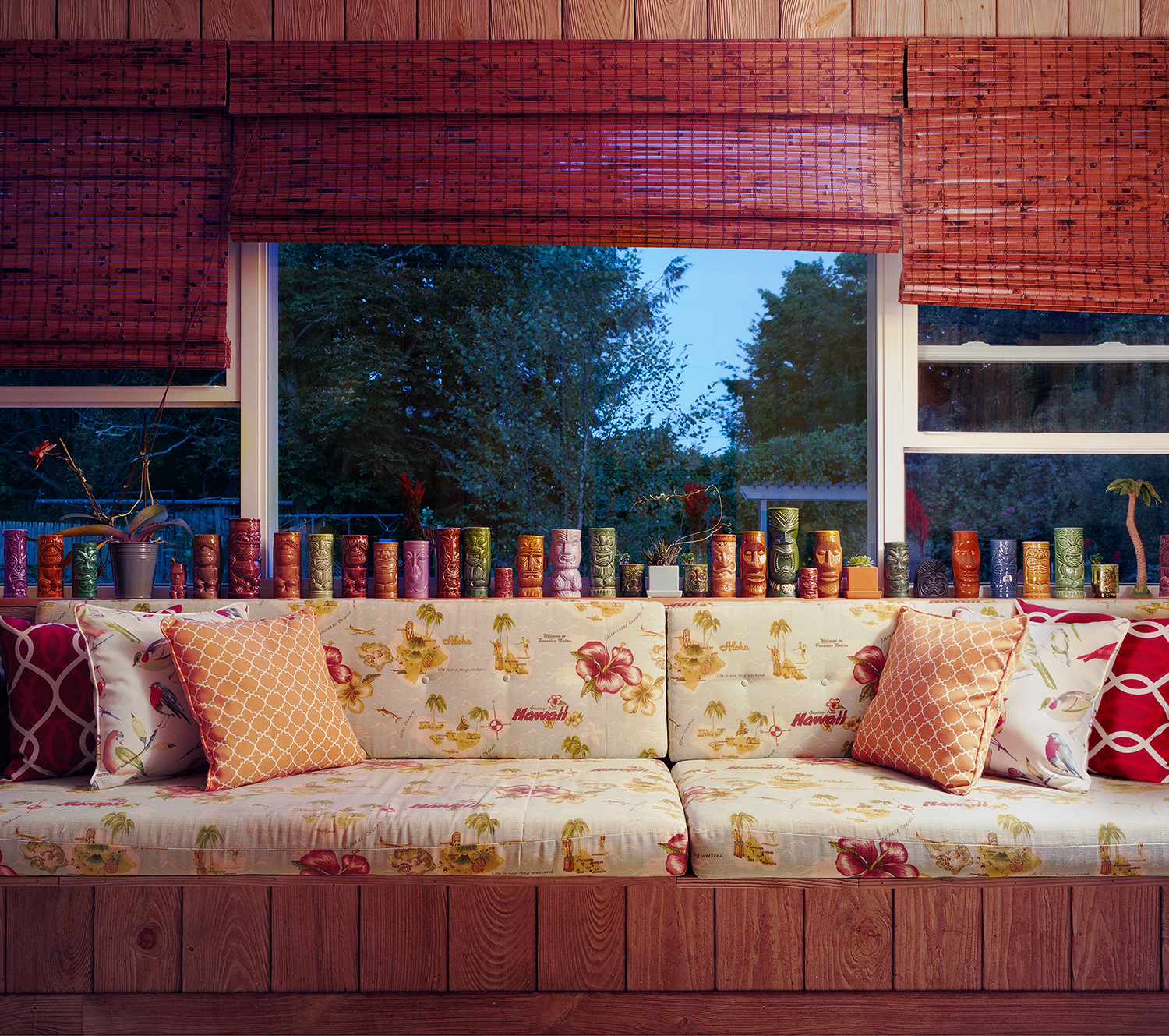
This week we are looking at the work of artists who submitted projects during our last call-for-entries–way back in late-2022 (a new call will be going out sometime in the near future, so stay tuned for details…). Today we are viewing and hearing more about Personal History by Sarah Malakoff. Sarah Malakoff creates large-scale color photographs
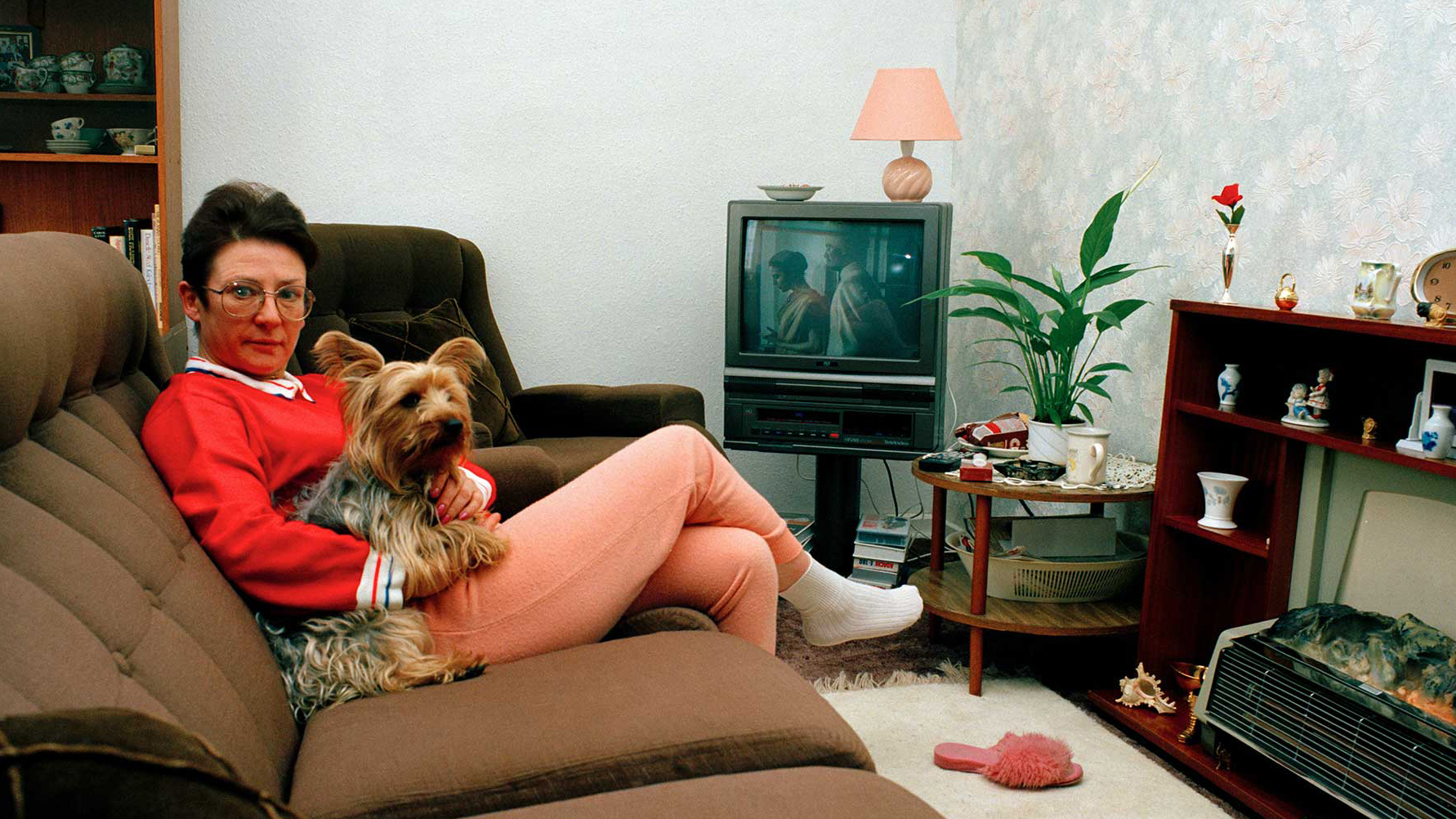
I have been photographing interior spaces for a very long time and find that different themes and threads interest me as I work. My first book, Second Nature, looked at the home as both a refuge from and a reinvention of the outside, natural world. While shooting, other objects started catching my attention. I noticed portraits displayed in the home and was fascinated by who they represent, what the connection might be to the occupant, and the relationship to other items and architecture. A good number of the portraits, much more than I would have thought, were of figures from history- Marie Antoinette, Napoleon, Yuri Gagarin. With this in mind, I started looking for other possessions that reference historical events and locations. I found these things and their placement within the home variously humorous, touching, and sometimes disturbing.
OpenAI, Google and Meta ignored corporate policies, altered their own rules and discussed skirting copyright law as they sought online information to train their newest artificial intelligence systems.
At Meta, which owns Facebook and Instagram, managers, lawyers and engineers last year discussed buying the publishing house Simon & Schuster to procure long works, according to recordings of internal meetings obtained by The Times. They also conferred on gathering copyrighted data from across the internet, even if that meant facing lawsuits. Negotiating licenses with publishers, artists, musicians and the news industry would take too long, they said.
“I’m quite different from other people,” the legendary eighty-six-year-old Czech photographer Josef Koudelka was saying the other day at the Pace Gallery in Chelsea, where his first solo American show in nearly a decade was about to open. “No kidding,” Melissa Harris responded, and Koudelka began laughing and nodding in a way that said, You ought to know. She was, after all, his biographer.
In celebration, our 100th episode is a conversation with the great Eugene Richards, truly a master of his craft, discussing controversy, truth and photography.
In September 2023, Richards released his 17th book, In This Brief Life, which contains over 50 years of unseen work (spanning his entire career to the present day). Signed copies of In This Brief Life are available for purchase here. And listen in as we have BREAKING NEWS about his next 2 books!!
One person who is not bothered by the winning photo is Shani Louk’s father, Nissim. He told Ynet News that it’s good that the image of his deceased daughter won the prize because it is “one of the most important photos in the last 50 years.”
For decades, US officials sought to suppress independence movements in Puerto Rico, spying on activists and their families. What do their formerly secret files reveal?
Creative image-maker, engaged photojournalist and poetic storyteller: the current exhibition at the Ernst Leitz Museum is presenting the full scope of Magnum photographer Werner Bischof’s (1916–1954) oeuvre. Despite his early death in a car accident in the Andes, when he was just 38, the precision of his compositions and the emotional aesthetics of his imagery have made Bischof one of the most important Swiss photographers of the 20th century. The selection shows his way from solitary studio photographer to international photojournalist, driven by the magnitude of world events.
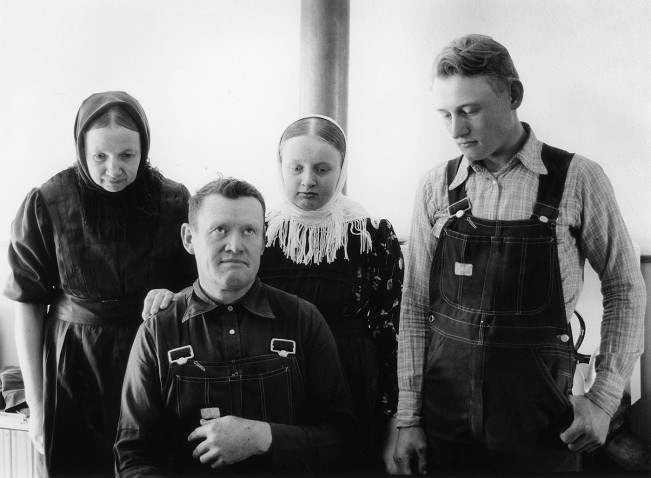
Two decades. That’s what Pampino photographer Javier Bertín has spent at the heart of a unique project documenting the daily life of the La Nueva Esperanza Mennonite Colony near Guatraché —deep in the Argentine south. The Mennonites, a Christian denomination that emerged during the 16th century Radical Reformation in Europe, arrived in Argentina in the
Two decades. That’s what Pampino photographer Javier Bertín has spent at the heart of a unique project documenting the daily life of the La Nueva Esperanza Mennonite Colony near Guatraché —deep in the Argentine south.